Closing a named tab group does not throw it away. It turns into a small coloured chip in the bookmarks bar, sitting there among links you have kept for years, which is exactly what makes it feel filed somewhere safe.
It is not filed there. It is drawn there. That distinction sounds like pedantry right up until the day you need the group back.
Where does Chrome actually store a saved tab group?
On sync's storage layer, not in your bookmarks. Chromium's own README for the feature says it outright: "Saved Tab Groups are built on sync's storage layer. This storage solution works across sessions and when sync is enabled, saved tab groups will sync across devices updating the tabs and other metadata about the tab group in real-time." [2]
The same README is clear about why the feature exists at all. An ordinary tab group is "ephemeral, and disappears after the user exits a session"; a saved one lets you "keep the state of their working state across browsing sessions." [2] Persistence is the entire point of the save, and the machinery Google reached for to get it was sync's own storage.
Bookmarks travel over sync too, which is precisely why it is easy to assume a saved group is one of them. It is not. Chromium's list of things sync knows how to carry gives SAVED_TAB_GROUP an entry of its own, commented "A tab group saved by a user." BOOKMARKS is a different entry, commented "A bookmark folder or a bookmark URL object." [3] Two data types, travelling down the same wire, behaving differently at both ends.
Is a saved tab group a bookmark?
No, and this is the one that costs people data. Chrome's help page says a closed group "is saved in the bookmarks bar or in the menu," [1] which describes where you will see it rather than what it is. In Chromium's source the chip in that bar is rendered by saved_tab_group_bar.cc and saved_tab_group_button.cc - view classes that live inside the bookmarks UI directory but are entirely separate from the bookmark buttons beside them. [5]
So one row of your bookmarks bar holds two different kinds of object wearing the same clothes.
That difference has a price, and here it is. Chrome's "Export bookmarks" writes your bookmarks. A saved tab group is not a bookmark in Chrome's data model, so there is nothing in that model for the exporter to find, and nothing for it to write. Back up your browser the way every guide tells you to, export to an HTML file, keep it somewhere sensible - and the groups you have been saving for months are not in it. The backup is real. It just does not cover the thing that was sitting in the middle of the bar you were looking at while you made it.

What actually deletes a saved tab group?
Three menu items, and only one of them sounds dangerous. Google documents all three, on the same help page, a few paragraphs apart. Set side by side they say something none of them says alone.
| What you do | What happens to the tabs | What happens to the saved group |
|---|---|---|
| Close group | Closed | Kept. "A closed group isn't deleted and is saved in the bookmarks bar or in the menu." [1] |
| Delete group | Closed | Gone here and everywhere. "It'll be removed on your device and other devices that use the same Google Account." [1] |
| Ungroup | Left open in front of you | Gone here and everywhere. "It'll also delete the group on your device and other devices that use the same Google Account." [1] |
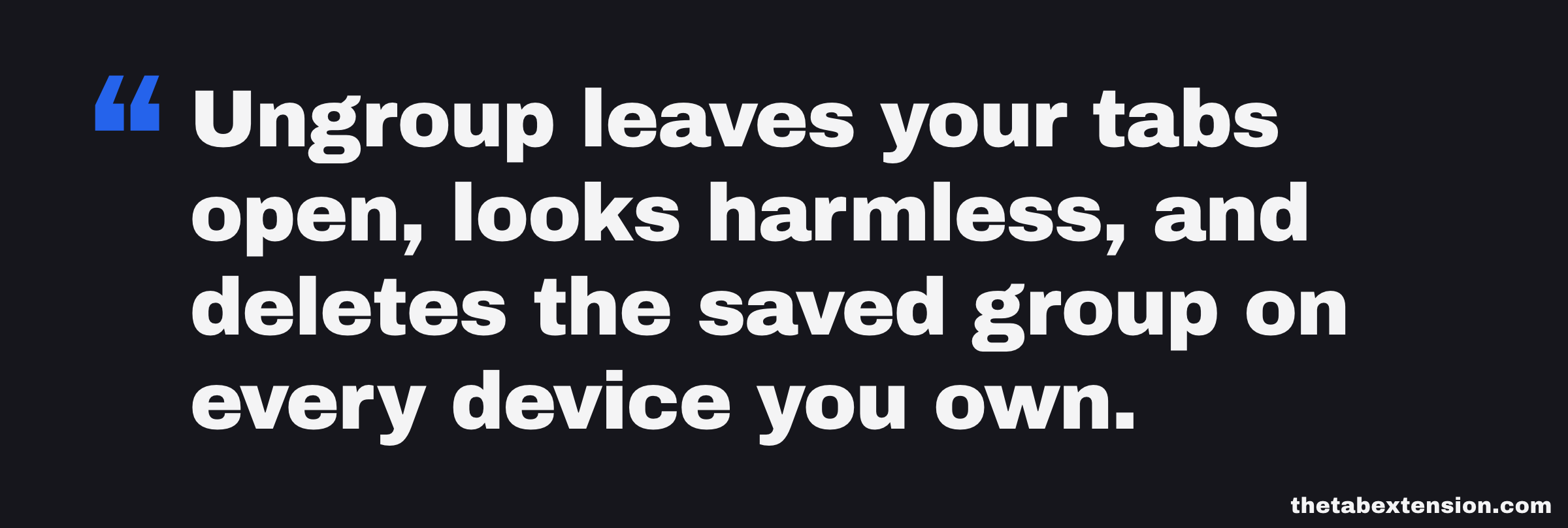
Ungroup is the trap, and the reason is that only half of what it does is visible. Your tabs stay open. Nothing disappears from the screen. The word promises to undo an arrangement, not to destroy an archive.
The saved group it was standing for, meanwhile, has been deleted from your laptop, your desktop and every other machine signed into the account. Silently, and immediately.
Delete at least announces itself. Ungroup reads like tidying up.
Do Chrome's tab groups save memory?
No, and Google has never said they do. Chrome's entire help page for managing tabs and tab groups does not use the words memory, performance or RAM once. [1] That silence is the answer: a tab group is an organisational construct, and organising tabs does not unload them.
The confusion is understandable, because collapsing a group makes eight tabs occupy the space of one and something clearly got smaller. What got smaller was the tab strip.
Chrome does have two states that change what a tab costs you, and the chrome.tabs reference defines both precisely. A discarded tab is "one whose content has been unloaded from memory, but is still visible in the tab strip. Its content is reloaded the next time it is activated." A frozen tab "cannot execute tasks, including event handlers or timers. It is visible in the tab strip and its content is loaded in memory." [6] Freezing stops a tab from doing work. Only discarding takes the memory back, and the two are routinely described as the same thing by people who have not read the definitions.
If the question that brought you here was really about memory rather than about groups, the built-in feature that discards tabs is Memory Saver, and we took it apart separately in Is Chrome Memory Saver actually any good. The more basic version of the question - whether closing a tab gives the RAM back at all - turns out to have a stranger answer than it sounds like, and it is in Does closing tabs actually free RAM.
Will a saved tab group survive a new computer?
Only if the right sync toggle was on before you needed it, and the toggle is not the one Google's help page implies. That page attributes tab group syncing to history and tabs sync: "When browsing history and tabs are synced with your Google Account, changes to tab groups are automatically saved and synced across all of your devices." [1]
Chromium's source describes a narrower arrangement. Saved tab groups sit under UserSelectableType::kSavedTabGroups, string name savedTabGroups, which covers the saved-group data type and the shared-group types that go with it. BOOKMARKS sits under kBookmarks. [4] Saved tab groups are a selectable sync category in their own right - not a passenger on bookmarks, and not obviously a passenger on history and tabs either.
If you have ever turned individual sync categories off, the help page alone will not tell you which switch you actually threw. That is a minute of checking, not an argument to have: open Chrome's sync settings and read what is listed there - on the machine holding the groups, not the one you would be restoring to.
For a group that never synced at all, the answer is shorter. It exists in that one profile and nowhere else.
How is this different from what a tab manager extension does?
A tab manager extension keeps its data in extension storage, and Chrome's documentation for chrome.storage.local says "Data is stored locally and cleared when the extension is removed." [7] We wrote that up in full, including the day it cost one of our own users everything they had saved, in Uninstalling a tab manager can wipe everything it saved. The short version: local extension storage dies with the install, and an auto-backup kept in the same place dies with it.
Chrome's saved tab groups do not have that failure mode. They are not in extension storage, nothing uninstalls them, and on a synced profile they genuinely do come back on a new machine. On durability against uninstall, the built-in feature wins, and it wins cleanly.
Where it loses is the export. Our fix for that 2026-07-15 incident included mirroring saved groups into a bookmarks folder - real chrome.bookmarks entries, which means they are in the bookmark model, which means they come out in the bookmarks HTML file along with everything else. Chrome's own saved groups render in the same bookmarks bar and do not. The mirror we built to escape a data-loss bug produces a more portable artefact than the browser's native feature does, which is not a sentence we expected to be able to write.
Neither is a reason to switch anything. It is a reason to know which of the two you are relying on, because they fail in opposite directions: ours failed at uninstall and was fixed, Chrome's fails at export and is working as designed. If you want the wider view of what the category even contains, the four kinds of tab manager sorts them, and OneTab vs Simple Tab Groups covers two tools that answer this question in opposite ways.
How do you keep a saved tab group from disappearing?
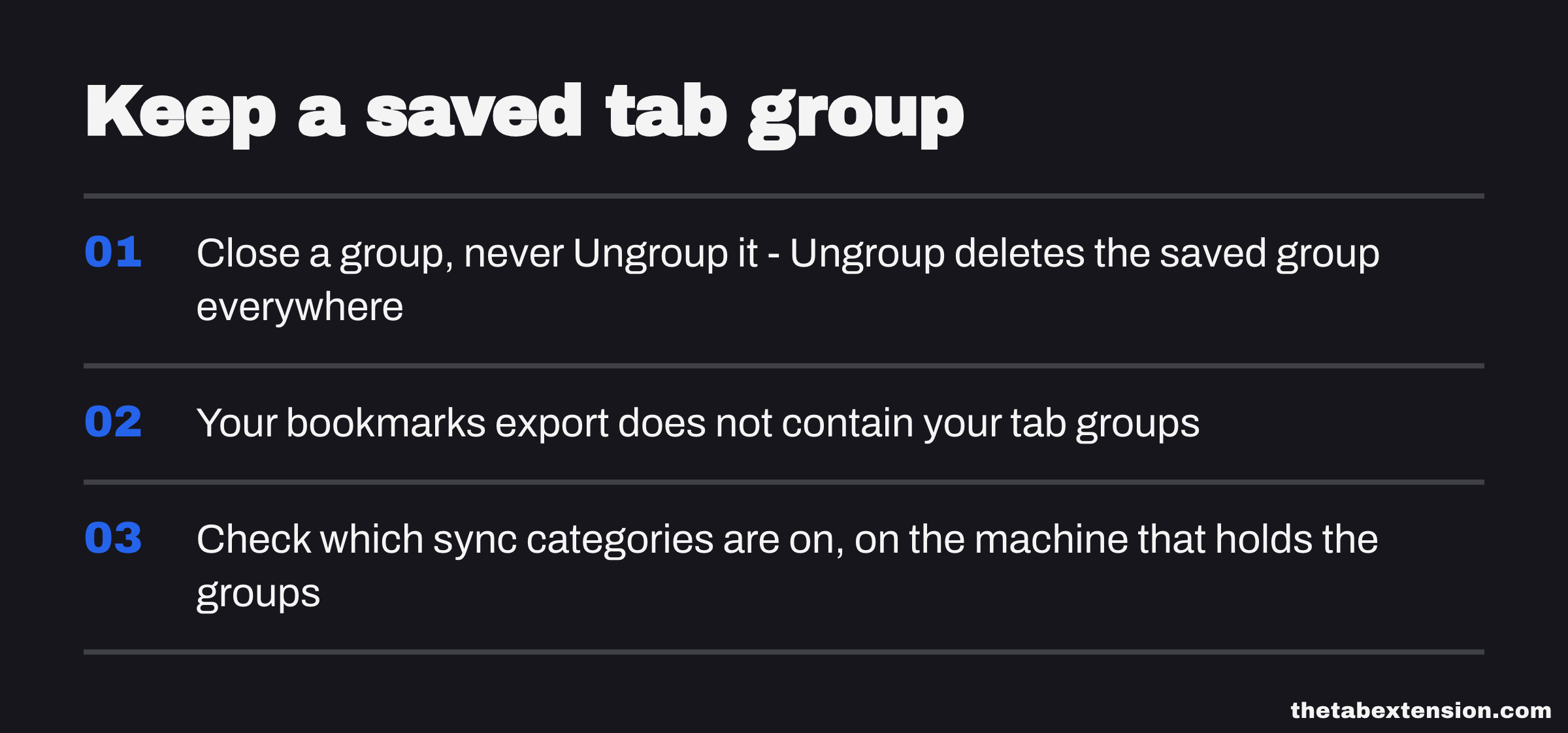
Learn the difference between Close group and Ungroup before you need it. Close is reversible and keeps the archive. Ungroup leaves your tabs open, looks harmless, and deletes the saved group on every device you own. There is no undo prompt distinguishing them.
Do not count your bookmarks export as a backup of your tab groups. It is a backup of your bookmarks. The groups sit in the same bar and are a different kind of object, so the file you saved does not contain them.
Check which sync categories are actually on, on the machine that holds the groups.
Every tool in this space, Chrome included, has a storage model that works fine until one particular action meets it. That action is almost never the one with a warning on it.
SOURCES
Every factual claim in this article traces to a source below. Where we could not source a claim, we removed it rather than softening it.
States: "When browsing history and tabs are synced with your Google Account, changes to tab groups are automatically saved and synced across all of your devices." On closing a group: "A closed group isn't deleted and is saved in the bookmarks bar or in the menu. You can open a closed group again." On deleting: "When you delete a tab group, it'll be removed on your device and other devices that use the same Google Account." On ungrouping: "When you ungroup tabs, it'll leave the tabs open on your device. However, it'll also delete the group on your device and other devices that use the same Google Account." The page describes collapsing a group and does not mention memory, performance or resource use anywhere.
States that ordinary tab groups "are ephemeral, and disappear after the user exits a session," while saved tab groups "can be saved and recalled allowing users to keep the state of their working state across browsing sessions." On storage: "Saved Tab Groups are built on sync's storage layer. This storage solution works across sessions and when sync is enabled, saved tab groups will sync across devices updating the tabs and other metadata about the tab group in real-time."
Defines SAVED_TAB_GROUP as a sync data type in its own right, commented "A tab group saved by a user. Currently only supported on desktop platforms (Linux, Mac, Windows, ChromeOS) and Android." BOOKMARKS is a separate entry in the same enum, commented "A bookmark folder or a bookmark URL object."
Maps the SAVED_TAB_GROUP data type to UserSelectableType::kSavedTabGroups under the string name "savedTabGroups", covering SAVED_TAB_GROUP, SHARED_COMMENT, SHARED_TAB_GROUP_DATA, COLLABORATION_GROUP and SHARED_TAB_GROUP_ACCOUNT_DATA. BOOKMARKS maps to a separate UserSelectableType::kBookmarks under the string name "bookmarks", covering only BOOKMARKS.
Saved tab groups are drawn in the bookmark bar by their own view classes - saved_tab_group_bar.cc, saved_tab_group_button.cc and saved_tab_group_overflow_button.cc - rather than by the bookmark button views in the parent bookmarks directory.
Defines a discarded tab (Chrome 54+) as "one whose content has been unloaded from memory, but is still visible in the tab strip. Its content is reloaded the next time it is activated." Defines a frozen tab (Chrome 132+) as one that "cannot execute tasks, including event handlers or timers. It is visible in the tab strip and its content is loaded in memory. It is unfrozen on activation."
States for the Local storage area: "Data is stored locally and cleared when the extension is removed." For Sync: "If the user enables syncing, the data syncs with every Chrome browser that the user is logged into."