
OneTab and Simple Tab Groups are both free answers to a Firefox tab strip that has gotten out of hand, and both have loyal followings for it. They also solve the problem in opposite ways. OneTab gets rid of your tabs. Simple Tab Groups keeps every one of them running and just gets them out of your way. That difference is not a matter of taste. It comes down to a browser API that only one of these extensions can use, because it only exists on the browser they both happen to share.
What is the real difference between OneTab and Simple Tab Groups?
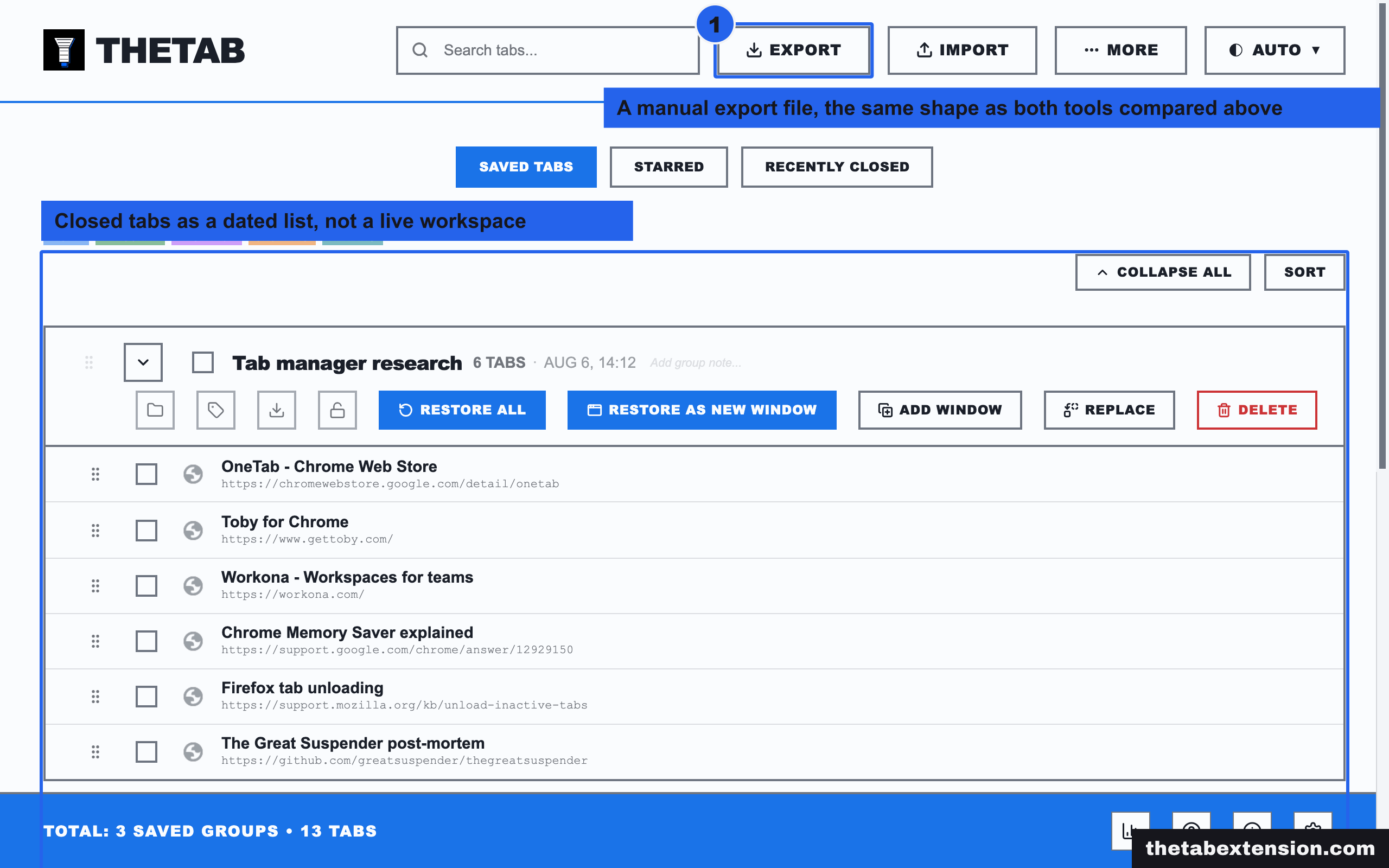
OneTab closes your open tabs and replaces them with a single page listing every URL, grouped by the moment you clicked the button. Simple Tab Groups does not close anything: it organizes your tabs into named groups and, when you switch away from one, hides its tabs from the tab strip while they keep running in the background. One tool ends the tab's life. The other one just stops showing it to you.
| What you are comparing | OneTab | Simple Tab Groups |
|---|---|---|
| What happens to a tab | Closed, converted to a link in a list | Hidden from the tab strip, still loaded |
| Browsers | Chrome, Firefox, Edge, Safari | Firefox only |
| Source code | Not published | Public on GitHub, Mozilla Public License 2.0 |
| Users (Firefox) | 159,775, rated 4.1 | 65,037, rated 4.0 |
| Restoring a tab | Click the link, page reloads from scratch | Switch groups, page is already running |
| Works across separate browser windows | No native grouping; tabs are a flat list | Yes, groups switch across windows |
| Memory while "put away" | Freed, because the tab is gone | Not freed unless you discard it yourself |
Why can only one of these exist on more than one browser?
Simple Tab Groups depends on tabs.hide(), a WebExtensions API that Firefox ships and Chrome does not. OneTab does not need it, because it does not hide anything - it closes tabs, and every browser can close a tab.
Mozilla's own documentation for the API is specific about what it does: "hidden tabs are no longer visible in the browser's tabstrip. Hidden tabs are not automatically discarded: the code running in them continues to run." [5] That single sentence is the whole mechanism. A hidden tab has not been suspended, unloaded, or put to sleep by default - it is still an active tab, minus its spot in the tab strip. Simple Tab Groups' own source confirms this is deliberate: its GitHub repository names tabHide as one of the Firefox-specific APIs the extension depends on, alongside contextualIdentities for Multi-Account Containers integration, and states plainly that this dependency is why the extension is Firefox-only. [4]
Chrome's extension documentation has no equivalent. The current chrome.tabs reference lists create, update, move, discard and group among its methods, and nothing that removes a tab from the strip without closing or grouping it. [6] A developer who wanted to build Simple Tab Groups for Chrome would have to fake the effect - closing and reopening tabs, or bundling them into Chrome's native tab groups, both of which behave differently from an instant, reversible hide. That gap is not an oversight either side is likely to close soon, which is why this comparison only makes sense for Firefox users in the first place: OneTab runs everywhere, but there is nothing to weigh it against outside Firefox.

Does either one actually free memory?
OneTab does, because a closed tab is a closed process. Simple Tab Groups does not, by default, because a hidden tab is still a running one.
OneTab's own site claims it can "save up to 95% memory" and shows a worked example of memory use falling from 1,981 MB to 99 MB after converting a page of open tabs into a list. [2] That is a vendor claim about their own demonstration, not an independent measurement, but the mechanism behind it is straightforward and matches what does closing tabs actually free RAM found when it read Chrome's own source on tab closure: closing a tab lets the browser tear down the process behind it, and a torn-down process is not sitting in memory anymore. Firefox's process model differs from Chrome's in the details, but the basic fact holds on any browser - a page that is not running cannot be using RAM for anything but its closed placeholder.
Simple Tab Groups keeps the pages running specifically so switching back is instant. MDN's documentation is direct about the tradeoff: hiding "does not automatically discard" a tab, and a developer "can explicitly discard tabs whenever you hide them" if they want the memory back. [5] Simple Tab Groups exposes that discard behavior as an optional action rather than a default, which means the group you switched away from an hour ago is, by default, still fully loaded and still costing you memory the entire time it is out of sight. You get instant switching. You pay for it in RAM until you tell the extension otherwise.
Neither one is wrong here. OneTab bets you are done with these tabs for now and want the memory back. Simple Tab Groups bets you will be back in twenty minutes and would rather not wait for everything to reload.
What happens when you close the browser, or switch computers?
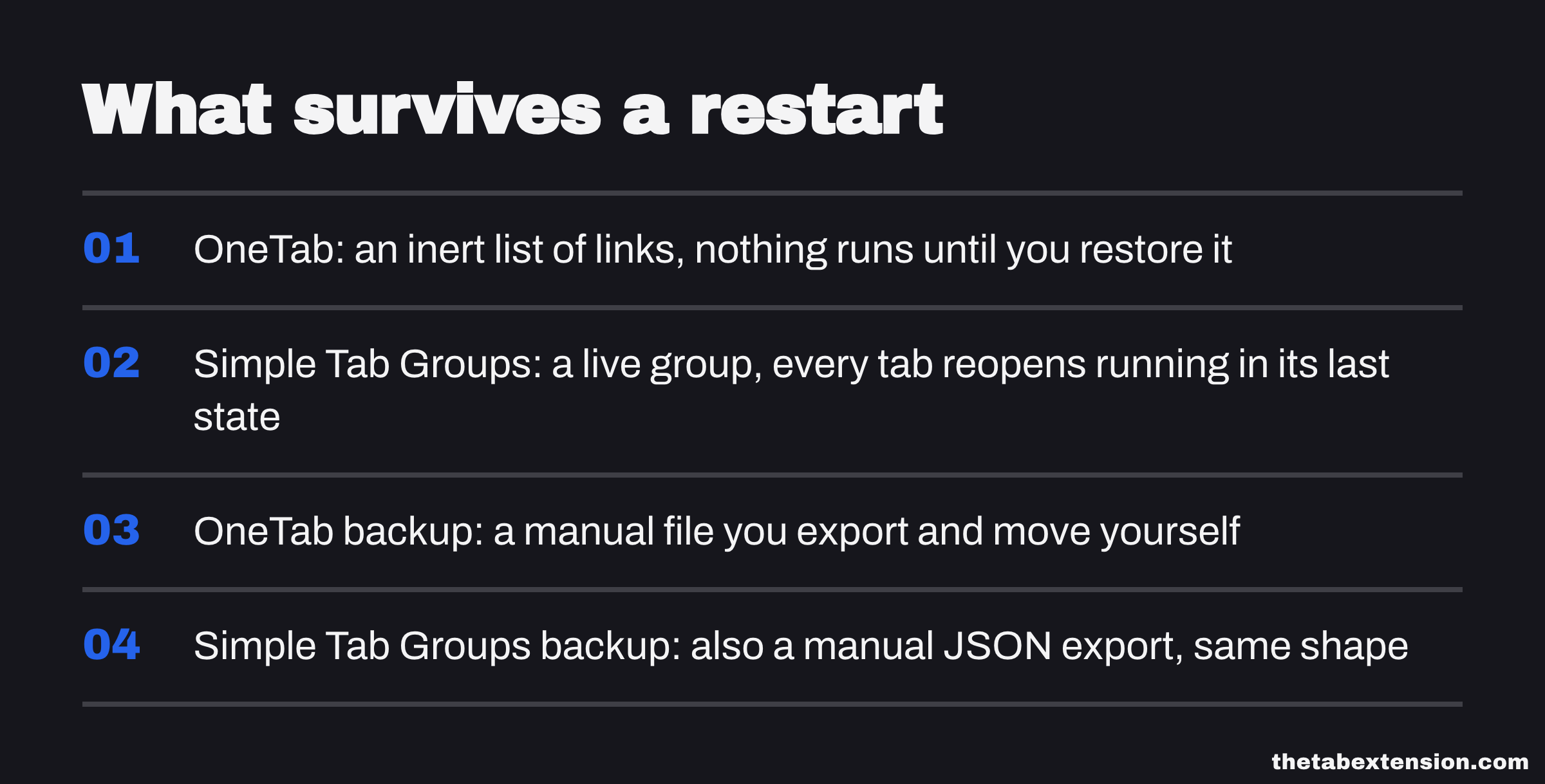
OneTab's list survives a restart because it is not tabs anymore - it is a page of links, saved the moment you clicked the button. Simple Tab Groups' groups also persist between sessions, but a hidden tab that was still loaded goes back to being an unloaded placeholder on restart either way, the same as any other tab Firefox has to restore.
Where the two actually part ways is what a saved group is. An OneTab list is inert until you restore it - nothing runs, nothing checks in, nothing changes unless you open it. A Simple Tab Groups group is a live arrangement: switch to it and everything in it starts running again immediately, in the state each page left itself in, not from a fresh load. If a page had a half-finished form or scroll position, Simple Tab Groups can preserve that in a way a closed-and-reopened tab cannot, because it was never actually closed.
Cross-device sync is not native to either tool in the way a cloud-first session manager offers it. OneTab's backup is a manual export you move yourself. Simple Tab Groups' Firefox listing describes backup and restore to a JSON file with the same manual shape, alongside optional native messaging for enhanced backups on Windows. [3] If cross-device sync through your own account is the actual requirement, Session Buddy vs Tab Session Manager covers two tools built around that instead.
Isn't this what Firefox's built-in tab groups already do?
No, and the gap is the reason Simple Tab Groups still has a reason to exist after Firefox shipped native tab groups in 2025. Firefox's own tab groups organize tabs with a name and colour inside the same window, let you collapse a group to cut down on visual clutter, and let you save and close a group to reopen it later. [7] What they do not do, per Mozilla's own documentation of the feature, is switch a group's tabs out of memory while you work in another one, or move a group between windows the way Simple Tab Groups does. Native tab groups are a filing system for tabs you can still see the outline of. Simple Tab Groups is closer to running several separate browsing sessions and flipping between them.
If your entire problem is a cluttered tab strip in one window, Firefox's built-in feature may already be enough, and it needs nothing installed. Simple Tab Groups earns its place once you are working across more than one window, or you specifically want the tabs you are not using to disappear rather than just collapse.
Can you check what either one actually does?
Simple Tab Groups' full source is on GitHub under the Mozilla Public License 2.0, and has been since the repository's earliest commits. [4] OneTab's code is not published anywhere.
This is the same trust question every tool comparison on this site eventually asks, and it is worth stating plainly rather than glossing over: with Simple Tab Groups, you or anyone else can read exactly what happens to your tab data. With OneTab, you are trusting the developer's own description of what the extension does, backed by 159,775 Firefox users and a 4.1 rating who have apparently not found a reason to distrust it. [1] Both are reasonable bets. For most people a large, long-running user base is a perfectly good substitute for reading source code themselves. It is still a substitute, not the same thing.
Which one should you use?
Use OneTab if the problem is genuinely too many tabs and you want them gone. You get a list you can search and restore from later, real memory back the moment you click the button, and it is the same tool if you also use Chrome or Edge day to day. You are accepting that going back to a tab means it reloads from scratch, cookies and scroll position included, exactly as if you had closed and reopened it - because that is what happened.
Use Simple Tab Groups if you regularly work across more than one live task and want to flip between them without anything reloading. Client work in one group, personal research in another, a client's staging site behind its own Multi-Account Container so the cookies never mix - switch and every one of those tabs is exactly where you left it, forms and all. You are accepting that Firefox is the only place this works, that the tabs you switched away from are still consuming memory until you discard them yourself, and that you are trusting one open-source maintainer's project rather than a large vendor.
If you are not sure which describes you, ask whether you would rather a tab strip you can search through later or a set of workspaces you can jump between right now. The first is OneTab's job. The second is Simple Tab Groups'.
What a tab manager actually is, and the four kinds sorts list collapsers and workspace tools like these into their proper families, and the OneTab alternatives roundup covers six list collapsers side by side if closing tabs, not hiding them, is the shape of tool you actually want.
The one question that settles it
What do you want to happen to a tab you are not using right now: gone, with a link you can find later, or still running, just out of sight? The first answer is OneTab. The second is Simple Tab Groups, and only on Firefox - it is the one browser that gives an extension the API to do it.
SOURCES
Every factual claim in this article traces to a source below. Where we could not source a claim, we removed it rather than softening it.
OneTab's Firefox listing shows version 2.19, last updated 9 August 2026, 159,775 users and a 4.1 rating from 2,782 reviews. The description states the extension converts tabs into a list to reduce memory usage and clutter, restorable individually or all at once, and that tab URLs are never shared with the developer unless the user explicitly uses the "share as a web page" feature.
OneTab's own site states it can "save up to 95% memory" and illustrates this with a worked example showing memory use dropping from 1,981 MB to 99 MB after converting open tabs to a list. It states OneTab is available for Chrome, Firefox, Edge and Safari, and that "most other browsers (including Brave, Opera, Vivaldi, AVG and Avast) are compatible with the Chrome version".
Simple Tab Groups' Firefox listing shows version 5.3.2, last updated 7 April 2025, 65,037 users and a 4-star rating from 1,865 reviews. The description lists creating, modifying and switching tab groups across multiple browser windows, drag-and-drop, backup and restore to JSON, and integration with Firefox's Multi-Account Containers. It states private browsing is not supported.
Simple Tab Groups' full source is published under the Mozilla Public License 2.0. The repository describes the extension as inspired by Firefox's own discontinued Tab Groups feature, and states it relies on Firefox-specific APIs including tabHide and contextualIdentities, which is why the extension is Firefox-only.
MDN's documentation for tabs.hide() states that "hidden tabs are no longer visible in the browser's tabstrip. Hidden tabs are not automatically discarded: the code running in them continues to run", and that a caller "can explicitly discard tabs whenever you hide them" to reduce resource use. It lists tabHide as the required permission and names criteria a tab must meet to be hidden: it must not be pinned, sharing screen or camera, the active tab, or already closing.
Chrome's own chrome.tabs API reference lists the methods available to extensions - including create, update, move, discard and group - and does not list a hide() method or any equivalent for removing a tab from the tab strip without closing it.
Mozilla's support article describes Firefox's built-in tab groups, available from Firefox 137, as a way to organize tabs within the same window with a name and colour, collapse a group to reduce clutter, and save and close a group to reopen it later. It does not describe cross- window switching or hiding a group's tabs from memory.