You closed a window by accident, pressed Ctrl+Shift+T, and got back a tab you closed ten minutes ago instead. Or you pressed it twenty times and the window you wanted never came.
That is not the shortcut failing. It is the shortcut working exactly as written, against a limit nobody mentions.
How many closed tabs can Chrome reopen?
Twenty-five things. Chromium's tab restore code declares "Max number of entries we'll keep around." as a constant, kMaxEntries = 25. [1] It is compiled into the browser, so there is no setting, flag or menu that raises it.
The word doing the work is entries. An entry is one closed object, and Chromium's source defines three kinds: a TAB, a GROUP or a WINDOW. [3] Close a window holding sixty tabs and it uses one slot. Close twenty-five tabs one at a time afterwards and that window is gone from the list, because twenty-five single tabs just outnumbered it.
Google describes the shortcut as reopening "previously closed tabs in the order they were closed". [7] Also accurate, and silent on where the order ends.
If you just closed something big by mistake, reopen it before you close anything else. Every close after the mistake moves it one slot closer to the end.
Why did Ctrl+Shift+T skip what I closed yesterday?
Because today's closes outrank yesterday's, and the list only has twenty-five places. Chromium's comment on how entries are added says: "Normal closes go to the front, but tab/window closes from the previous session are added to the back." [1]
The code behind that comment is stricter than it reads. When an entry from the previous session arrives and the list already holds twenty-five, Chrome does not push anything out to make room. It drops the old entry and adds nothing. [2]
So the sequence that loses people a window goes like this. You close a window on Monday evening and quit Chrome. On Tuesday you work normally, opening and closing tabs for an hour. By the time you remember Monday's window and press Ctrl+Shift+T, Tuesday's closes have filled the list and Monday's window has fallen off the back. Nothing warned you, because from Chrome's side nothing went wrong.
How many closed tabs does Firefox remember?
More, counted differently, and you are allowed to change it. Firefox's default preferences set browser.sessionstore.max_tabs_undo to 25, commented "how many tabs can be reopened (per window)", and max_windows_undo to 5 for closed windows. [6]
Per window is the difference. Chrome has one shared list of twenty-five objects. Firefox keeps twenty-five closed tabs for each open window, plus a separate list of five closed windows. A default-on preference, closedTabsFromAllWindows, pools closed tabs from every window into the recently-closed lists and reopens them "into the current window". [6]
Firefox also forgets on a clock, which Chrome does not. browser.sessionstore.cleanup.forget_closed_after is set to 1209600000 milliseconds, with the comment "Forget closed windows/tabs after two weeks". [6]
| Chrome | Firefox | |
|---|---|---|
| Closed items remembered | 25 entries in total [1] | 25 tabs per window, plus 5 closed windows [6] |
| A closed window counts as | 1 entry [3] | 1 of the 5 window slots [6] |
| Time limit | None in the restore code, only the count [2] | Forgotten after 14 days [6] |
| Can you change the limits? | No, compiled in [1] | Yes, in about:config [6] |
| Back-button history kept per restored tab | Up to 6 pages each way when Chrome writes the tab's session record [4] | 10 pages back, all pages forward [6] |
Raising the Firefox limits takes a minute. Type about:config in the address bar, accept the warning, search for browser.sessionstore.max_tabs_undo or browser.sessionstore.max_windows_undo, and edit the number. Mozilla's own help for session restore sends readers to the same editor for its crash setting, with the warning that changes there "can have serious effects on your browser's stability, security and performance". [9] Raising an undo count is at the mild end of that.
Does "Continue where you left off" protect you?
It protects the tabs that were open when you quit, and nothing else. "Continue where you left off" is one of Chrome's four startup choices, next to opening a new tab, a fixed set of pages, or the profile picker. [8] Firefox's version is "Open previous windows and tabs", under Settings, Home and startup. [9]
Both settings restore a snapshot. Neither is an archive of what you closed during the day, so the twenty-five-entry list above is still the only thing standing behind a mistake made before you quit.
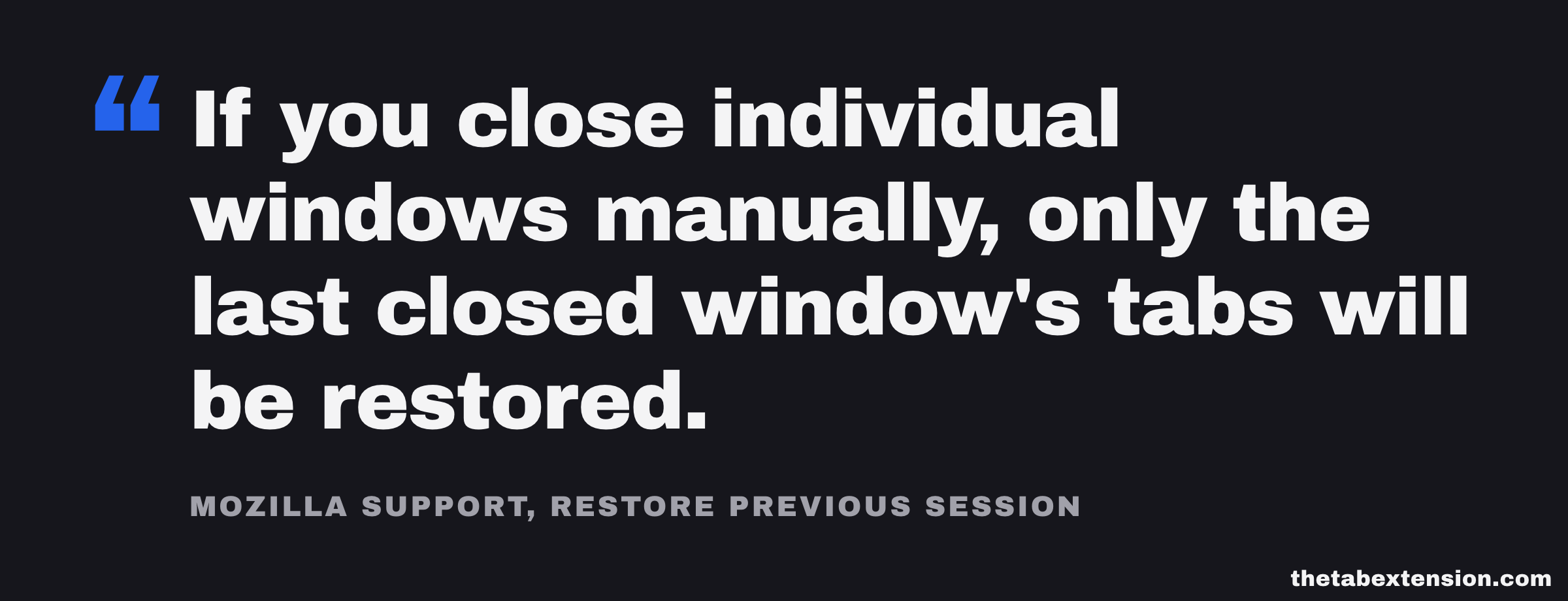
Firefox's help page adds a trap that is easy to walk into on any browser that restores the last session. "If you close individual windows manually, only the last closed window's tabs will be restored." [9] Close three windows one by one to tidy up before shutting the laptop, and the restore brings back only the third. The other two went into the closed-windows list instead, where Firefox keeps five and forgets them after two weeks. [6] Quitting the browser from its menu keeps all of them in the session.
Private windows are the other exception, and it is a deliberate one. Mozilla lists them as not restored "by design". [9]
Does a reopened tab keep its back button history?
Partly, and the two browsers cut it off in different places. By default Firefox restores ten back-button entries per tab and every forward one, per max_serialize_back and max_serialize_forward. [6] Anything further back than ten pages is not there when the tab returns.
Chrome's session code declares the "maximum number of navigation entries in each direction to persist" as gMaxPersistNavigationCount, set to 6, [4] and clamps each tab's record to that many pages either side of the current one when it builds it. [5] We are describing what the source writes rather than a measurement of every restore path, but the direction is clear. A restored tab returns with the page you were on and a short trail behind it, not the whole afternoon you spent in it.
If the page you need was eleven clicks deep, the tab restore will not reach it. Your browsing history will, as long as you have not cleared it.
What if the tabs are older than the undo list?
Then you are out of undo and into history. Chrome and Firefox both keep ordinary browsing history separately from the reopen list, and it has none of the twenty-five-entry limit. Open History from the browser menu and search for a word you remember from the page title. It is slower than a shortcut, because you are rebuilding the set one page at a time, but the pages are usually there.
Below history sits the session files themselves. Chrome writes its sessions into a folder named Sessions inside your profile, [4] and Firefox keeps backups of its own, including up to three made at browser upgrades. [6] Recovering from those files is possible and fiddly, and getting it wrong can overwrite the very file you were trying to rescue, so it is not a first resort.
Where does a tab manager fit?
A tab manager saves tabs on purpose, before anything goes wrong, into a list that does not fall off the back after twenty-five closes or two weeks. That is the whole difference from the browser's undo, and it is a real one: the browser remembers what you closed so that you can take it back in the next few minutes, while a saved list is for next month. The four kinds of tab manager covers how different tools approach that, and session managers like the two in Session Buddy vs Tab Session Manager go furthest towards automatic snapshots.
The caveat that costs us something: a saved list is only as durable as where it is stored. An extension's local storage is cleared when the extension is uninstalled, and we lost one user's saved tabs to exactly that before fixing it, which we wrote up in Uninstalling a tab manager can wipe everything it saved. Chrome's own saved tab groups have a different weak spot, covered in Chrome saves your tab groups. Ungrouping deletes them. No single place is safe in every direction.
How do you get the most out of the undo you already have?
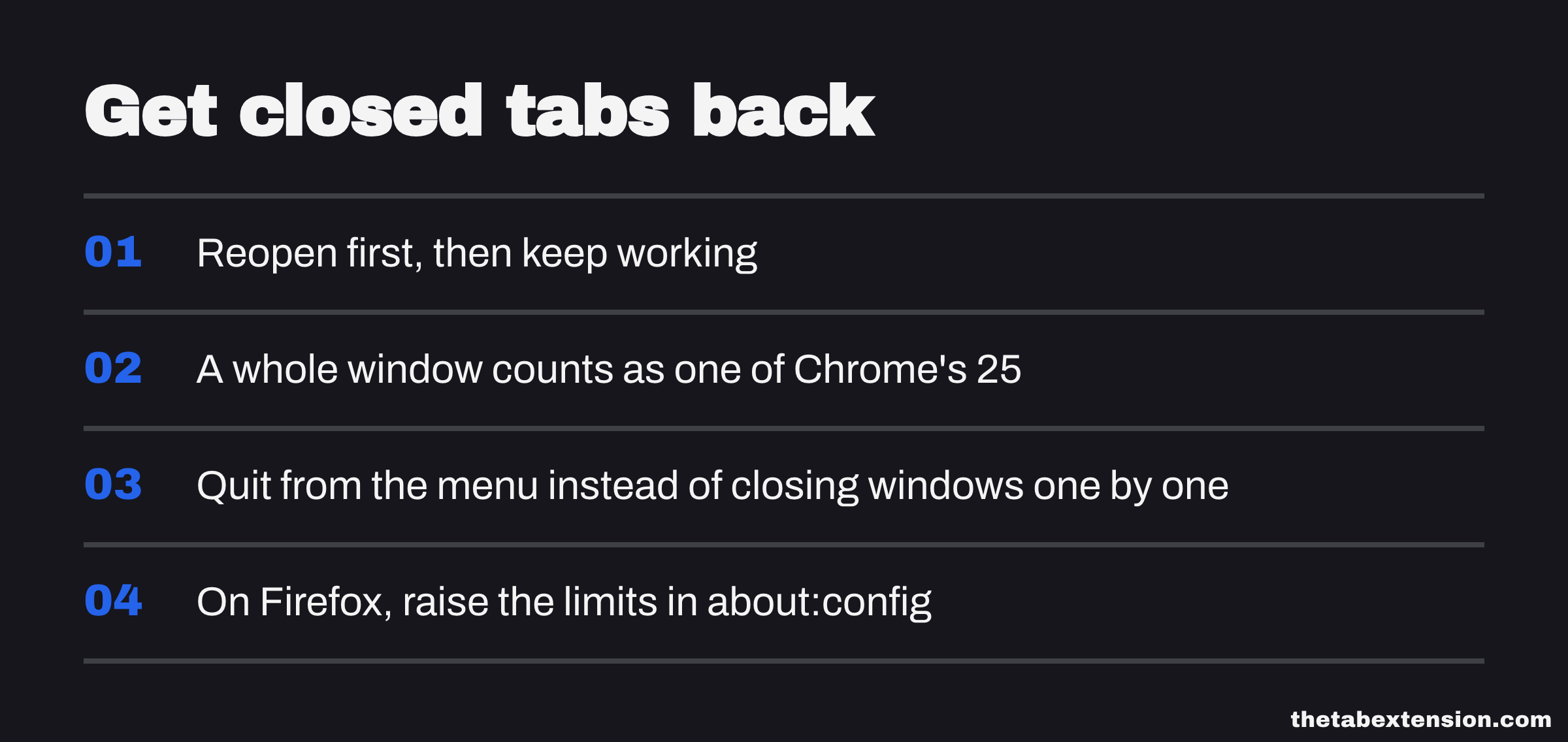
Reopen first, then keep working. In Chrome, every close after a mistake moves it one slot closer to falling off a twenty-five-entry list, and a whole window counts as one.
Quit from the menu instead of closing windows one by one. Session restore brings back the last session; windows you closed individually before quitting go into the smaller closed-windows list instead.
On Firefox, raise the limits if you rely on them. browser.sessionstore.max_tabs_undo and max_windows_undo are ordinary preferences in about:config, and closed items are forgotten after two weeks either way.
The undo list was built for the few minutes after a slip of the finger, and inside those few minutes it is very good. The trouble only starts when it gets treated as a place to keep things.
SOURCES
Every factual claim in this article traces to a source below. Where we could not source a claim, we removed it rather than softening it.
Declares "Max number of entries we'll keep around." as `static const int kMaxEntries = 25;`, a compiled-in constant. Documents `AddEntry`: "Normal closes go to the front, but tab/window closes from the previous session are added to the back." Documents `PruneEntries` as pruning the list "to contain only kMaxEntries".
`AddEntry` returns without adding when `entries_.size() >= kMaxEntries && !to_front`, so an entry being added to the back (a close from the previous session) is dropped outright once the list already holds 25. The file prunes the list by count only; it contains no age- or time-based expiry of entries.
Defines the entry types the restore list holds as `TAB`, `GROUP` and `WINDOW`, and describes an entry as "a previously open object" with the time "when the window, tab, or group was closed". A closed window or group is one entry, not one per tab.
Declares `gMaxPersistNavigationCount` with the comment "The maximum number of navigation entries in each direction to persist." The matching `session_constants.cc` sets it to 6 and names the profile folder the session files live in as `Sessions`.
When Chrome builds the session record for a tab it clamps the range of navigation entries it writes to `current_index - gMaxPersistNavigationCount` through `current_index + gMaxPersistNavigationCount`.
Default preferences: `browser.sessionstore.max_tabs_undo` 25, commented "how many tabs can be reopened (per window)"; `browser.sessionstore.max_windows_undo` 5; `browser.sessionstore.cleanup.forget_closed_after` 1209600000, commented "Forget closed windows/tabs after two weeks"; `browser.sessionstore.max_serialize_back` 10, "number of back button session history entries to restore"; `max_serialize_forward` -1, "all of them"; `browser.sessionstore.closedTabsFromAllWindows` true, commented "include closed tabs from all windows in recently-closed tab lists & counts, and re-open tabs into the current window"; `browser.sessionstore.persist_closed_tabs_between_sessions` true; `browser.sessionstore.upgradeBackup.maxUpgradeBackups` 3, "How many upgrade backups should be kept".
Lists Ctrl + Shift + t (Windows and Linux) and ⌘ + Shift + t (Mac) as "Reopen previously closed tabs in the order they were closed".
Lists "Continue where you left off" as one of the four startup choices (alongside "Have a new tab open", "Open a specific set of pages" and "Display Chrome profiles") that control what appears when you launch Chrome.
Last updated 2026-06-18. Describes History > Restore Previous Session, the Restore Session page after a crash, the "Open previous windows and tabs" startup setting, that private windows are not restored "by design", and: "If you close individual windows manually, only the last closed window's tabs will be restored."